
Text to Video AI Generator – Seedance 1.5 Pro
Turn text prompts into cinematic AI videos · multi-model · browser-based
Create AI videos from text with Vidxo text-to-video generator. Marketers, creators, and e-commerce teams describe a scene in natural language — product hero shots, cinematic b-roll, social hooks — and generate MP4 clips with models such as Seedance 1.5 Pro without local GPU setup. Pick duration, aspect ratio, and optional audio to match TikTok, YouTube Shorts, or Amazon Sponsored Brands placements.
Unlike template-only editors, prompt-driven generation lets you iterate dozens of concepts per day. Credits consume per successful job with model and length shown before you submit. Completed videos save to your account for download and reuse.
Start from the homepage or open text-to-video directly. Pair with image-to-video or reference-to-video when you have source media, or clean supplier clips with video watermark removal before publishing.
Write specific prompts: subject, camera motion, lighting, and mood. Example: "Slow dolly-in on wireless earbuds on marble, soft studio light, 9:16 vertical."
Why teams use text-to-video
Slow traditional production
Studio shoots and editors delay campaign tests. AI drafts ship in minutes.
Limited creative bandwidth
Generate variants for A/B tests without reshooting.
Tool sprawl
Video, image, and document utilities share one Vidxo login and credit wallet.
Generator highlights
Natural-language prompts
Describe scenes, motion, and style in plain text.
Multiple AI models
Seedance family with unified duration and ratio controls.
Flexible aspect ratios
16:9, 9:16, and 1:1 for landscape, Shorts, and square feeds.
Optional audio generation
Add sound when the selected model supports it.
How to generate from text
Sign in and open the generator
Claim new-user credits and land on the text-to-video workspace.
Write your prompt
Be specific about subject, motion, lighting, and format.
Choose model and settings
Set duration, aspect ratio, and quality options.
Generate and download
Review the result panel and export MP4 for ads or social.
Related AI tools
Combine video generation with reference-to-video and cleanup tools.
Text-to-video FAQ
1Which models can I use?
Seedance 1.5 Pro, 1.0 Fast, and 1.0 Quality are available on the model picker for every account.
2How long can videos be?
Typical duration options include 4, 8, and 12 seconds depending on model settings.
3Can I use videos commercially?
Paid plans include commercial usage rights. See Terms of Service for details.
4How are credits charged?
Per successful generation based on model, duration, and options shown before submit. See pricing for credit packs.
5Do I need editing experience?
No. Prompt and settings only — download MP4 when complete.
6I have a product photo — should I use text-to-video?
Use image-to-video to animate stills; use text-to-video when you start from a written concept only.
TEXT TO VIDEO
Detailed Preview
Login to generate and view your high-quality AI videos.
Examples

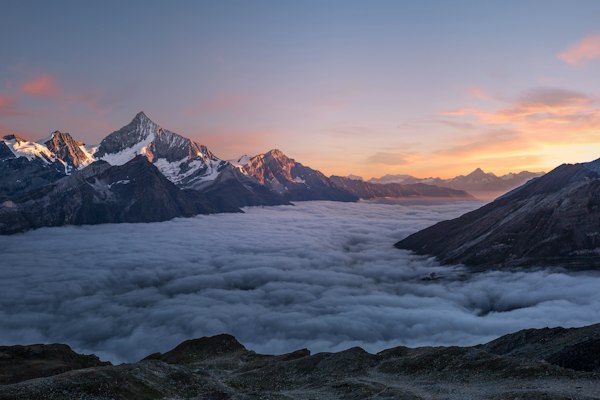
Cinematic Mountain Scene
A majestic mountain range at golden hour, camera slowly flying through valleys
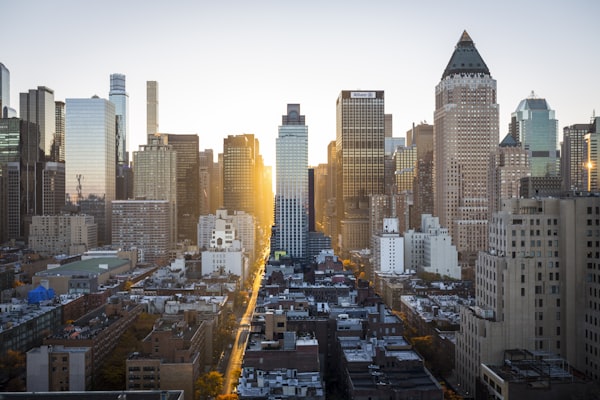
Urban City Timelapse
New York City timelapse at night, cars leaving light trails, buildings glowing
Ocean Sunset
Calm ocean waves at sunset, camera slowly zooming out, peaceful atmosphere
Features
- Simply describe what you want to see
- Access to Seedance AI models (1.5 Pro, 1.0 Fast, 1.0 Quality)
- Cinematic quality up to 1080p
- Generate audio and sound effects automatically
- Multiple aspect ratios for any platform