
Image to Video AI Generator – Animate Product Photos Online
Photo to video AI · product animation · social & ad clips from stills
Convert images to AI videos with Vidxo image-to-video generator. Upload a product photo, lifestyle shot, or ad still and add motion for TikTok, Instagram Reels, Amazon video ads, and PDP galleries. The model respects composition from your source image while applying camera moves, parallax, or subject motion you describe in the prompt.
Ideal for e-commerce teams that already have SuperImage hero shots or white-background packshots — animate them instead of booking new video shoots. Supports JPG, PNG, and WebP uploads with duration and aspect ratio controls aligned to vertical and landscape channels.
Chain with image compression if you need lighter assets elsewhere, or run text-to-video when you do not have a source still. Supplier clips with logos may need video watermark removal first.
Prompt tip: mention motion relative to the image — "slow zoom on bottle, condensation droplets sliding, soft backlight."
Why sellers animate still photos
No video budget per SKU
Turn existing listing photos into motion creatives.
Static feeds underperform
Short motion clips increase engagement on social and ad platforms.
Inconsistent agency turnaround
Iterate prompts in-house the same day.
Generator highlights
Image upload + prompt
Combine reference stills with motion instructions.
E-commerce friendly ratios
9:16 vertical and 16:9 landscape for ads and Shorts.
Seedance models
Fast and quality tiers for different campaign needs.
Account history
Re-download and iterate from My Creations.
How to animate an image
Upload your image
Use a sharp product or lifestyle photo.
Describe the motion
Explain camera move and subject action.
Pick duration and ratio
Match TikTok, Reels, or widescreen ads.
Generate and download
Export MP4 when processing completes.
Related AI tools
Prepare and extend your video creatives with SuperImage and AI Tools.
Image-to-video FAQ
1What images work best?
High-resolution photos with clear subjects and simple backgrounds animate most predictably.
2Can I animate Amazon product photos?
Yes, when you have rights to the image. Many sellers animate hero shots for Sponsored Brands video.
3How is this different from text-to-video?
Image-to-video requires a source still; text-to-video starts from description only.
4What file types are accepted?
JPG, PNG, and WebP per the upload panel limits.
5How many credits per clip?
Depends on model and duration — estimate shown before generate.
6Should I edit the photo first?
Use SuperImage for background swaps or remove-bg for cutouts before animating for cleaner motion.
IMAGE TO VIDEO
Detailed Preview
Login to generate and view your high-quality AI videos.
Examples
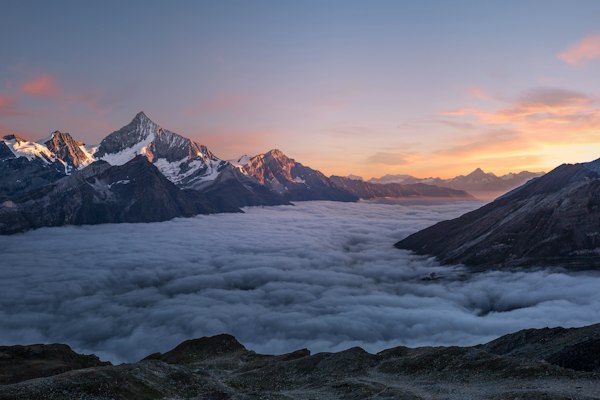
Photo to Living Scene
A girl walking on the beach, hair flowing in the wind, golden sunset
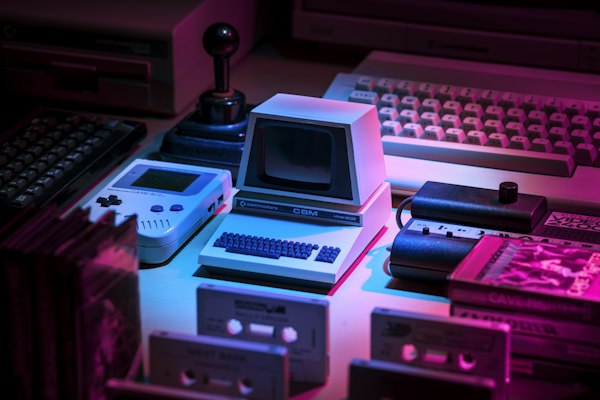
Product Animation
Smartphone rotating on white background with floating particles
Abstract Art Animation
Swirling colors and shapes morphing smoothly, psychedelic style
Features
- Upload any photo (JPG, PNG, WEBP up to 10MB)
- Multiple AI models for different animation styles
- Full HD output up to 1080p resolution
- Fast generation in 2-5 minutes
- Commercial use rights included